File Sharing Pro
Dropbox-class file sharing: file explorer, secure links, client portal, approvals, encryption & REST API
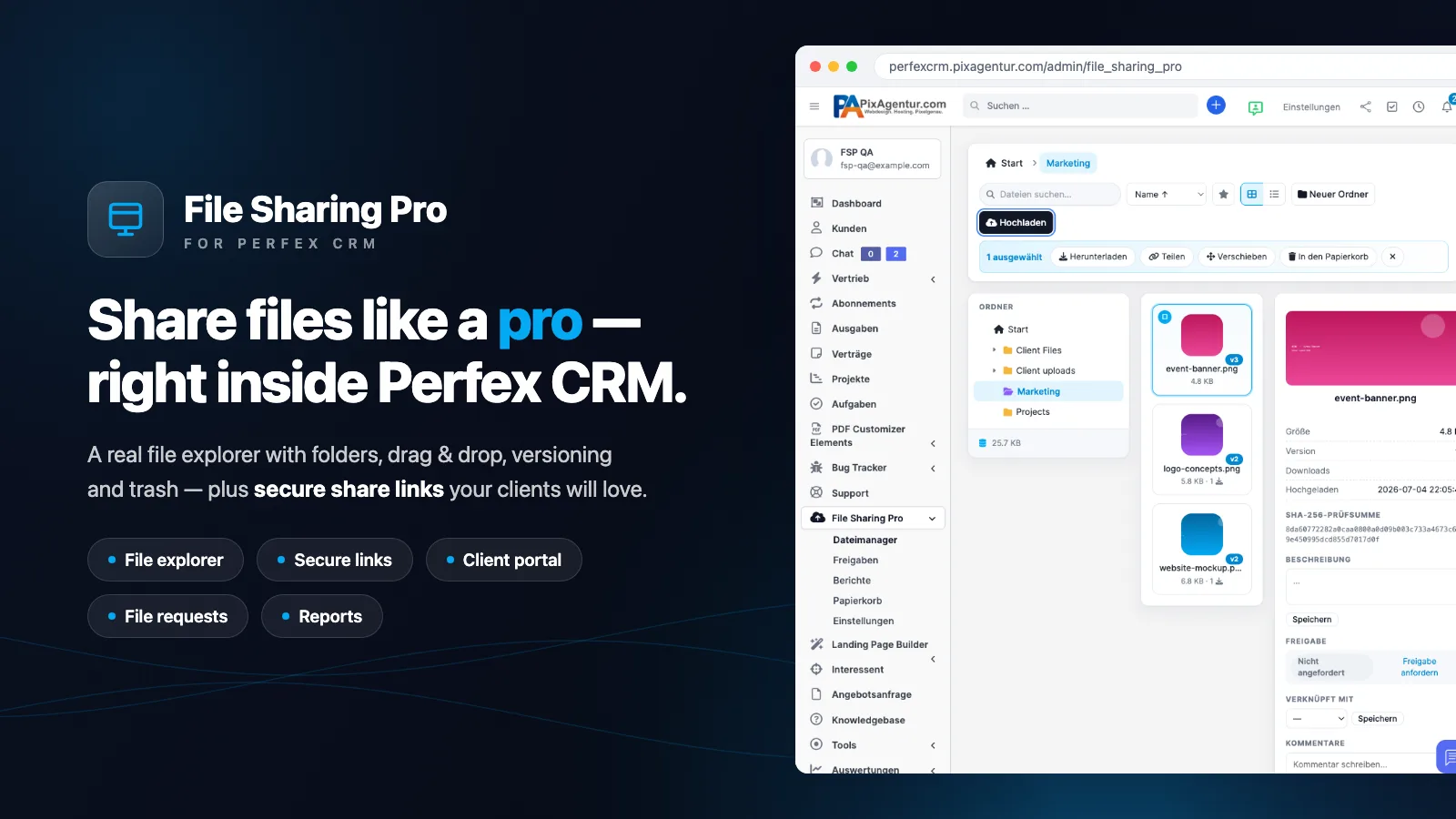
Dropbox-class file sharing — right inside Perfex CRM
File Sharing Pro brings a real file explorer, secure share links and a client file portal straight into Perfex CRM — manage files, share them with clients, collect approvals and track every download. No Dropbox, no WeTransfer, no external tools.
🔗 Try it live (public demo)
- Open the file manager in the demo — folder tree, grid/list, drag & drop, context menu, details panel
- Public folder link — what a shared folder looks like for your clients (ZIP download included)
- Public file link with image preview — branded download page
- File request — guests upload files to you, no account needed
- Share management · Reports & access log
The file explorer
Folder tree with colours, grid and list views, drag & drop multi-upload with progress, multi-select (Ctrl/Shift/Ctrl+A), right-click context menu, drag-to-move, search, sorting, favourites, ZIP download of any selection, and a details panel with SHA-256 checksum, description, version history and every share of the file. Images render as real preview tiles (automatic thumbnails); preview lightbox for images, PDF, video, audio and text.
Secure shares — 3 flavours
① Public link with password, expiry date, download limit, note, QR code and e-mail delivery to multiple recipients (templates editable). ② Client share — shows up in the customer portal. ③ File request — a public upload link: clients and guests send files straight into the right folder. Plus: bundle links (several files behind one URL), extend expiry later, resend links, per-link live statistics and one-click revoke. Without a valid license every public link goes dark — your content stays protected.
Client portal & collaboration
Your clients get a polished “Files” tab in the customers area: browse shares, download (including ZIP of a selection), upload their own files (quota-guarded, lands in the right client folder automatically). File comments connect your team and the client right on the file, and approvals get you binding sign-offs: the client or guest clicks Approve/Reject (with a note) — you are notified in-app and by e-mail. Files can be linked to a customer, project, task or invoice — with file tabs on the customer profile and inside projects.
Reports, order & automation
Downloads per day, top files, storage per customer and a full access log (IP, time, action) plus a dashboard widget. Trash with restore and “deleted by”, file versioning with restore, storage quotas (global + per client) and a daily housekeeping cron: revokes expired links, empties the trash after your retention period and removes orphaned files. Optional weekly activity digest by e-mail.
Pro infrastructure (v1.3)
Chunked uploads with resume — large files (up to 10 GB) travel in 5 MB pieces and continue exactly where an interruption stopped them. Encryption at rest (XChaCha20-Poly1305/libsodium, streamed). Storage drivers: local or FTP/FTPS with a transparent local fallback. Team folders: restrict folders to selected staff (inherited by sub-folders). REST API v1 with API keys for Zapier, scripts and backups. Optional office online preview (Google Viewer), watermarks on image previews for clients/guests, and EXIF stripping for JPEG uploads.
Security built in
Files live outside web reach (random names + .htaccess), delivery only through permission-checked controllers, extension whitelist, CSRF protection on all public forms, strict client isolation in the portal and 7 fine-grained staff permissions.
Languages & requirements
Fully bilingual (English + German, 246 strings). Perfex CRM ≥ 3.0, PHP 7.4+/8.x. Installed in 3 minutes: upload ZIP → activate → enter license key. Updates arrive through the built-in update check.
Support & roadmap
Found a bug or have a feature idea for File Sharing Pro? Use our public bug tracker — report issues (screenshots welcome), vote on features and follow the roadmap:
Frequently asked questions
Is the module compatible with my Perfex version?
Yes. It works from Perfex 3.0.* onwards. You'll find the exact requirement in the specs above.
How do I install the module?
After purchase you download the ZIP from your account and install it in Perfex under “Setup → Modules”. A step-by-step guide is in the help center.
Do I get updates?
Yes. Your purchase includes 12 months of update access. New versions appear automatically inside Perfex – validated via your license key.
How does the license work?
Every purchase includes a license key. The regular license covers 1 domain, the extended license up to 5 domains.
Is there support?
Yes. From purchase you get 6 months of support directly from the developer by email.
Can I get a refund?
If there are technical problems we can't resolve, we refund your purchase within 14 days.
Related modules
 ★ Featured
Perfex 3.0.*
★ Featured
Perfex 3.0.*
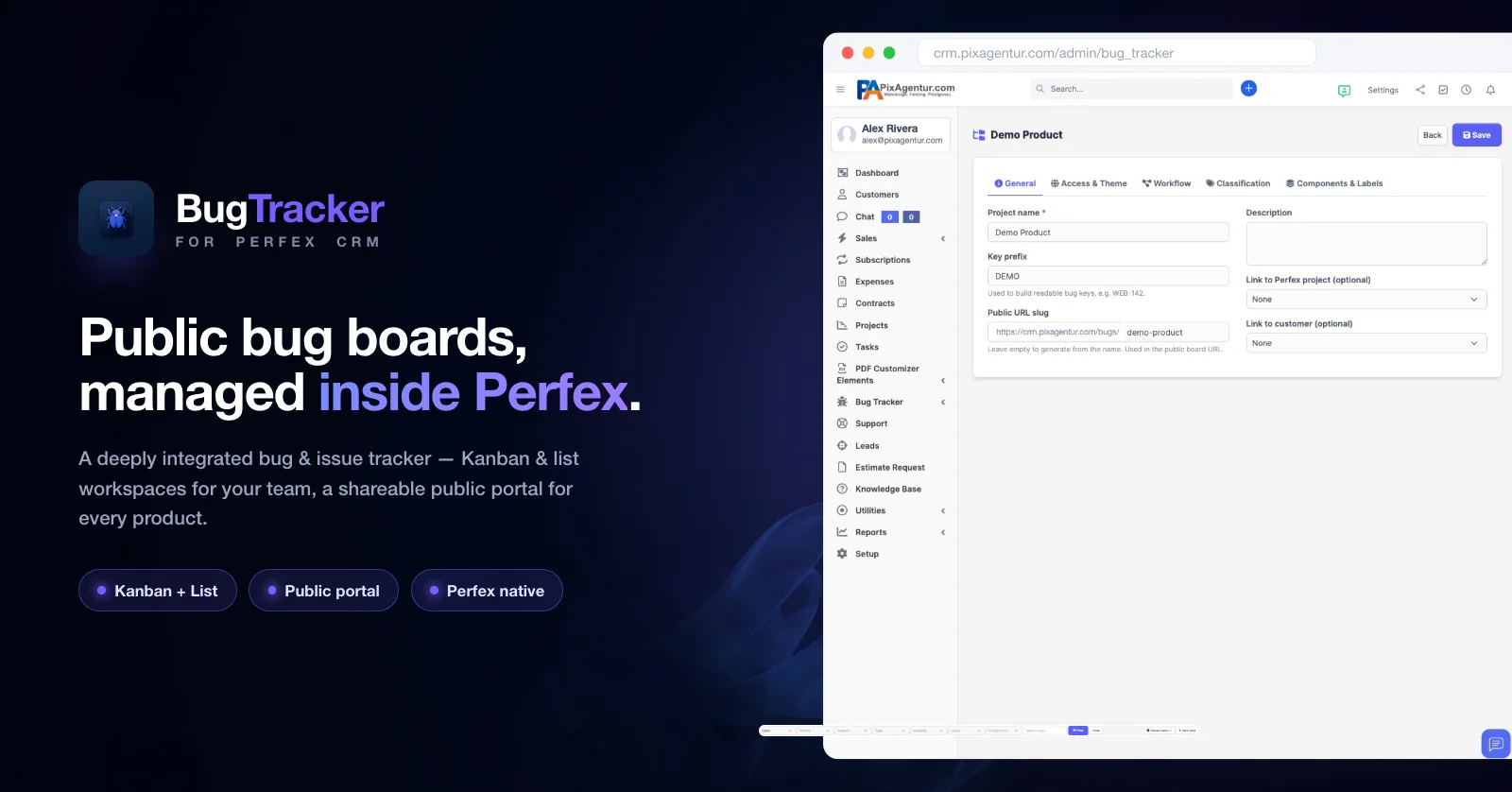
Bug Tracker
Öffentliche Bug-Boards, komplett in Perfex verwaltet.
 Perfex 3.0.*
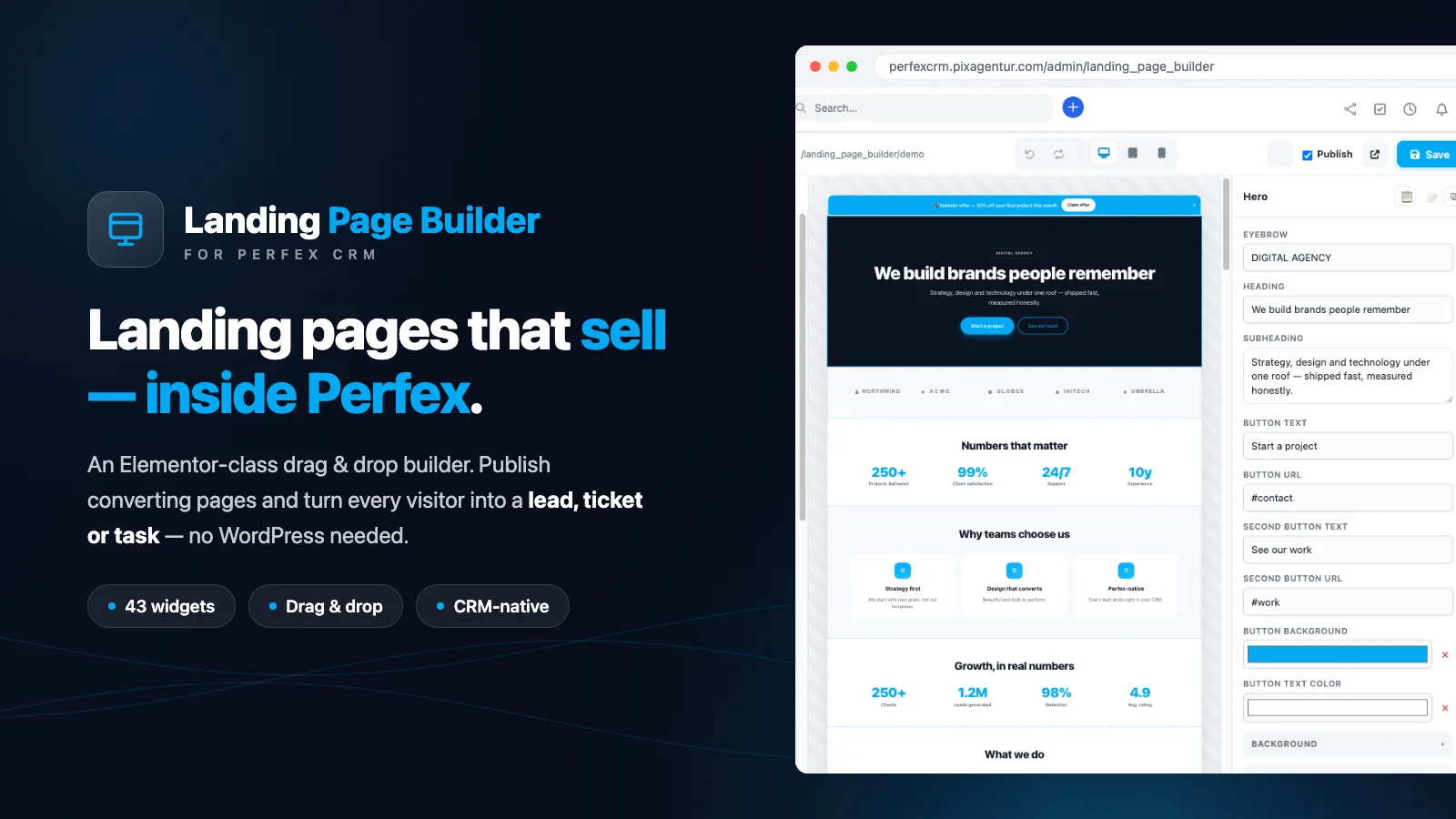
Landing Page Builder
Elementor-class landing page builder – fully inside Perfex, with leads, tickets & appointment booking.
 Perfex 3.0.*
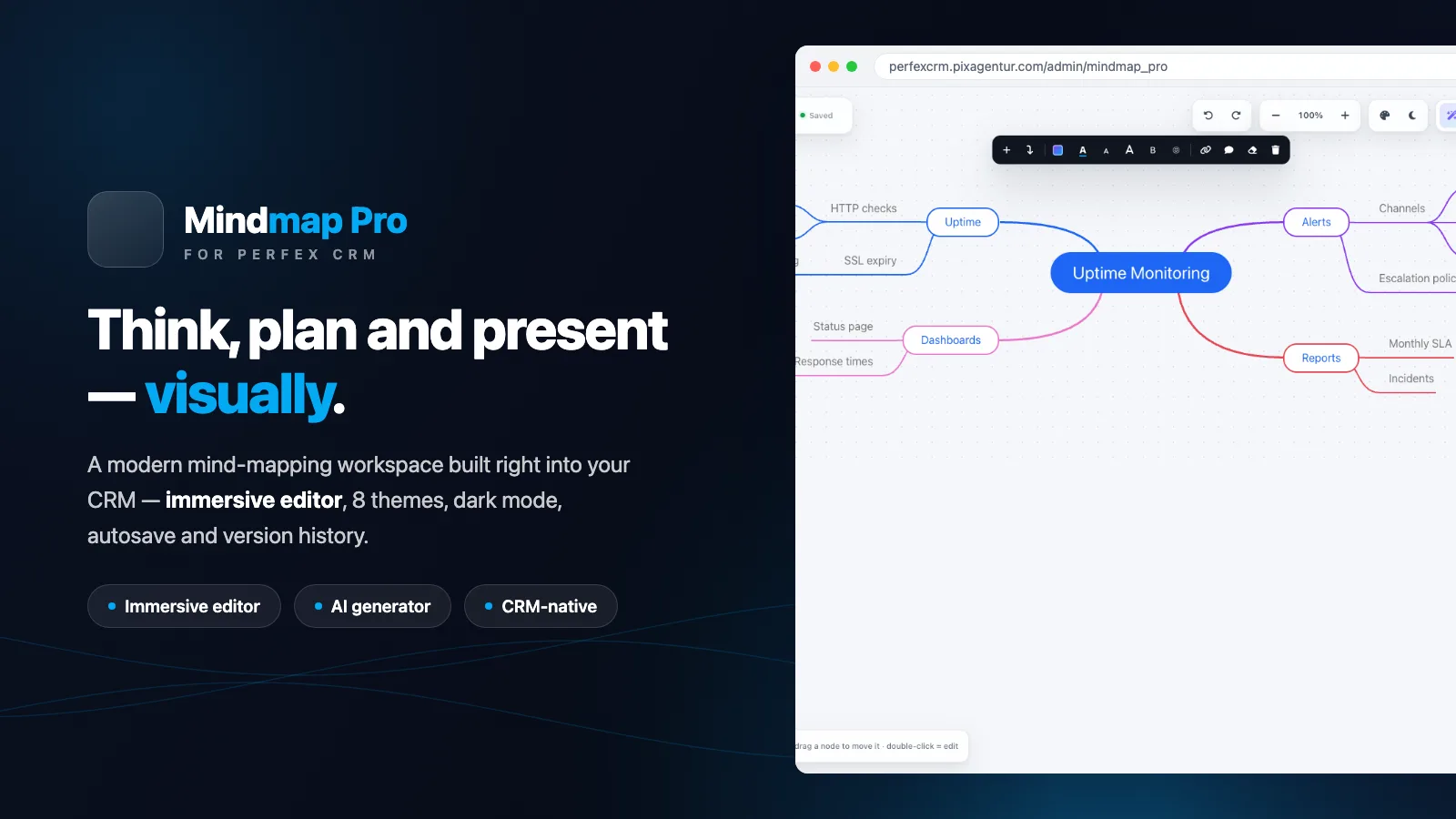
Mindmap Pro
Beautiful, AI-powered mind maps — built right into Perfex CRM. Plan, brainstorm and present, visually.