Mailbox Pro: Webmail Client for Perfex CRM – Manage Email Inside Your CRM
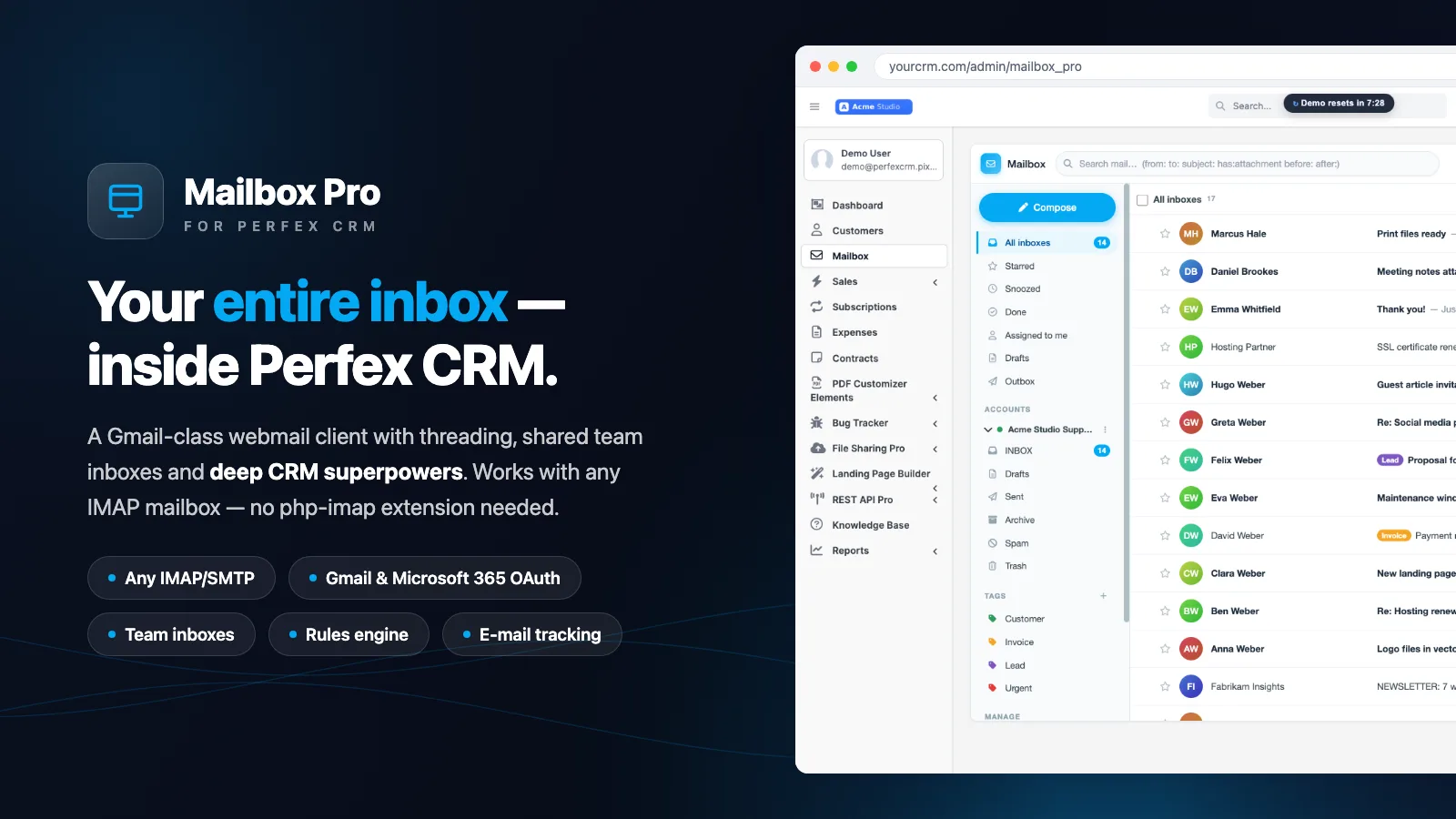
Mailbox Pro is a full-featured webmail client for Perfex CRM: you read, write and manage your entire inbox right inside the Perfex admin — over any IMAP/SMTP mailbox or via OAuth2 with Gmail and Microsoft 365. Every message automatically recognises the matching customer or lead. Built for agencies, freelancers and teams that finally want email and CRM in one place.
The module is new in the shop, but it is not a minimum-viable product. It covers everything the well-known CodeCanyon module “Mailbox – Webmail Client for Perfex CRM” does and clearly goes beyond it in several areas. It was tested against real IMAP mailboxes on a production mail server, not just on paper.

What is a webmail client for Perfex CRM?
A webmail client for Perfex CRM is an extension that lets you manage email inside the CRM instead of jumping between Outlook, Gmail and Perfex. Mailbox Pro fetches your mailboxes over IMAP, sends over SMTP and shows every conversation next to the matching CRM record. You stay in context — the customer, their open invoices and tickets sit right beside the message.
In practice you connect any number of accounts per staff member: classic IMAP/SMTP access with SSL/TLS, or modern OAuth2 for Gmail and Microsoft 365 (XOAUTH2). A unified inbox bundles all of a staff member’s accounts into one view, with coloured tags, folders, threading and fast search.
How do I manage email directly inside the CRM?
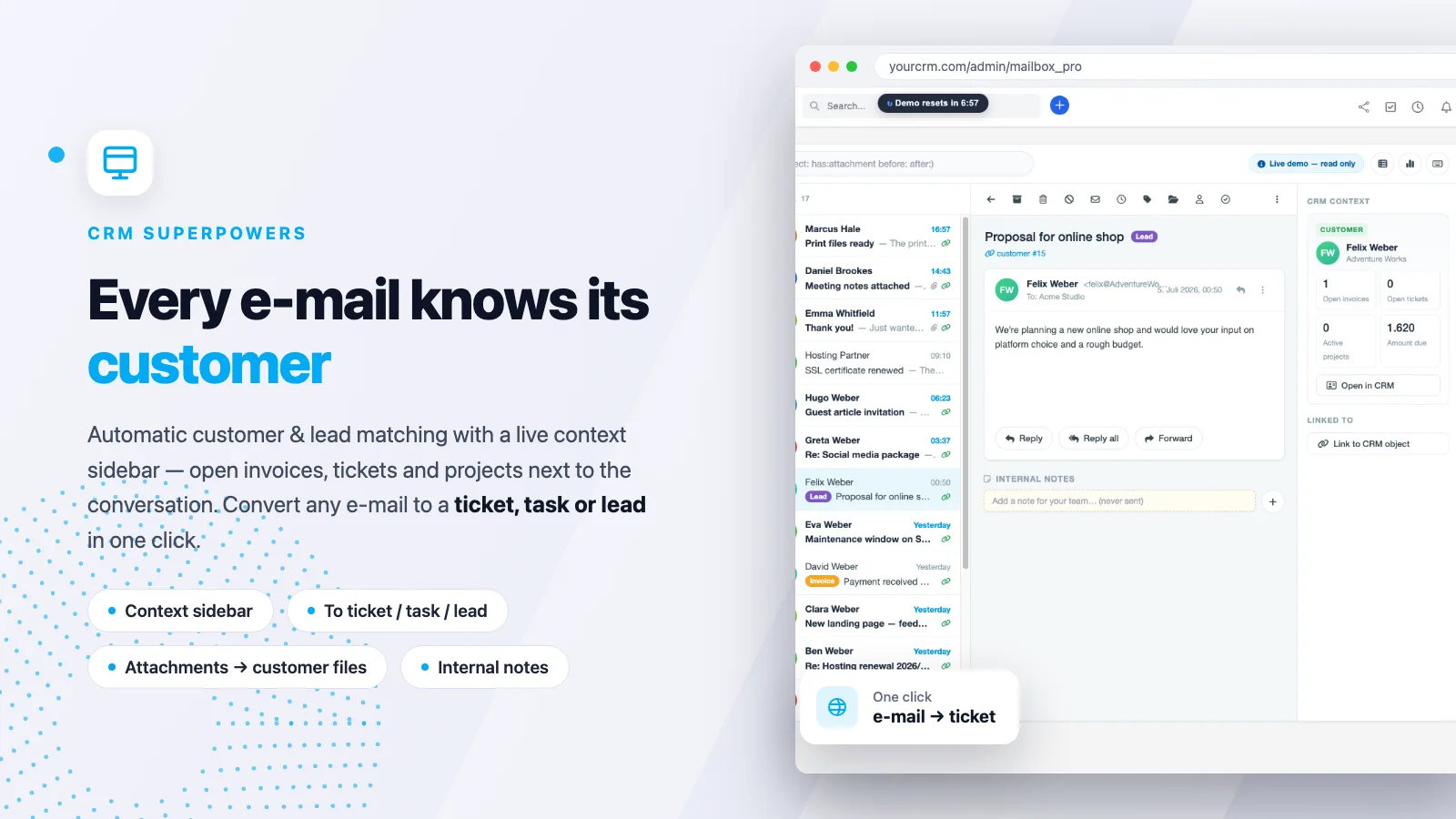
The heart of Mailbox Pro is deep CRM integration. When you open a message, the module matches the sender address against your customers, contacts and leads and shows a context sidebar on the right: open invoices, tickets, active projects and direct links into the CRM. You answer a request without hunting for the record first.
Any message becomes real work in one click: turn an email into a ticket, task or lead — attachments carried over, linked back to the customer. Attachments can be filed straight into the customer’s files or onto a ticket, and internal team notes on a conversation are never sent out.
Can I compose like in Gmail — undo send, send later, templates?
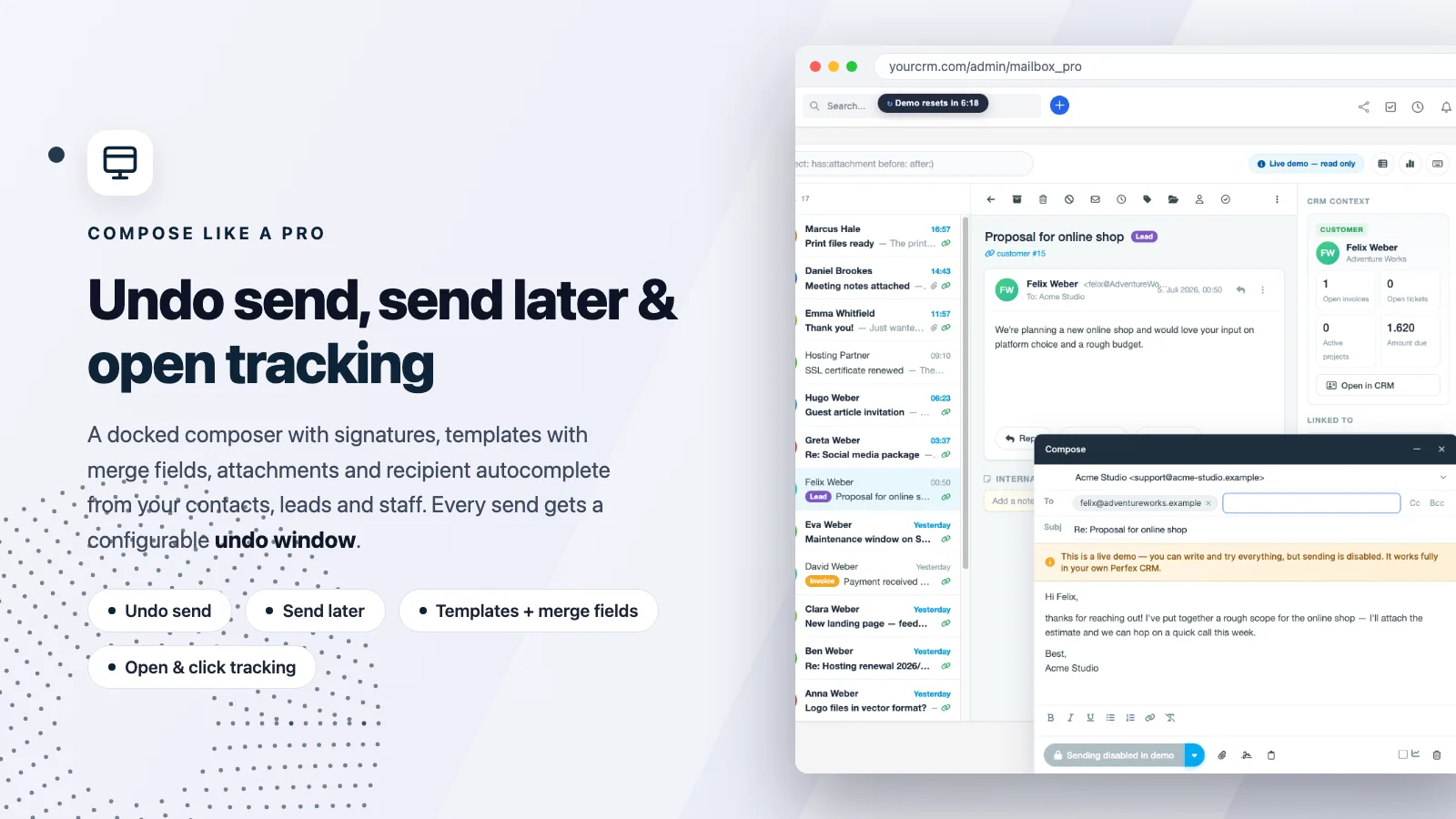
Yes. The composer is a dockable, minimisable window with a TinyMCE editor. You get HTML signatures, reusable templates with merge fields (such as {contact_firstname} or {staff_name}), attachments, inline images and recipient autocomplete from contacts, leads and staff.
Every send first lands in an outbox queue with a configurable undo window (5–30 seconds) — the classic “wait, not that one” moment. Send Later schedules mail for a future time, and you can optionally switch on per-message open and link tracking with a timeline of opens.
How does a shared team inbox work in Perfex?
A shared team inbox is an account you open up to several staff members. Each conversation can be assigned to a colleague (“who is handling this?”), gets an open/done status and can be commented with internal notes. Your support or sales team works from one shared address like support@… without two people replying to the same email.
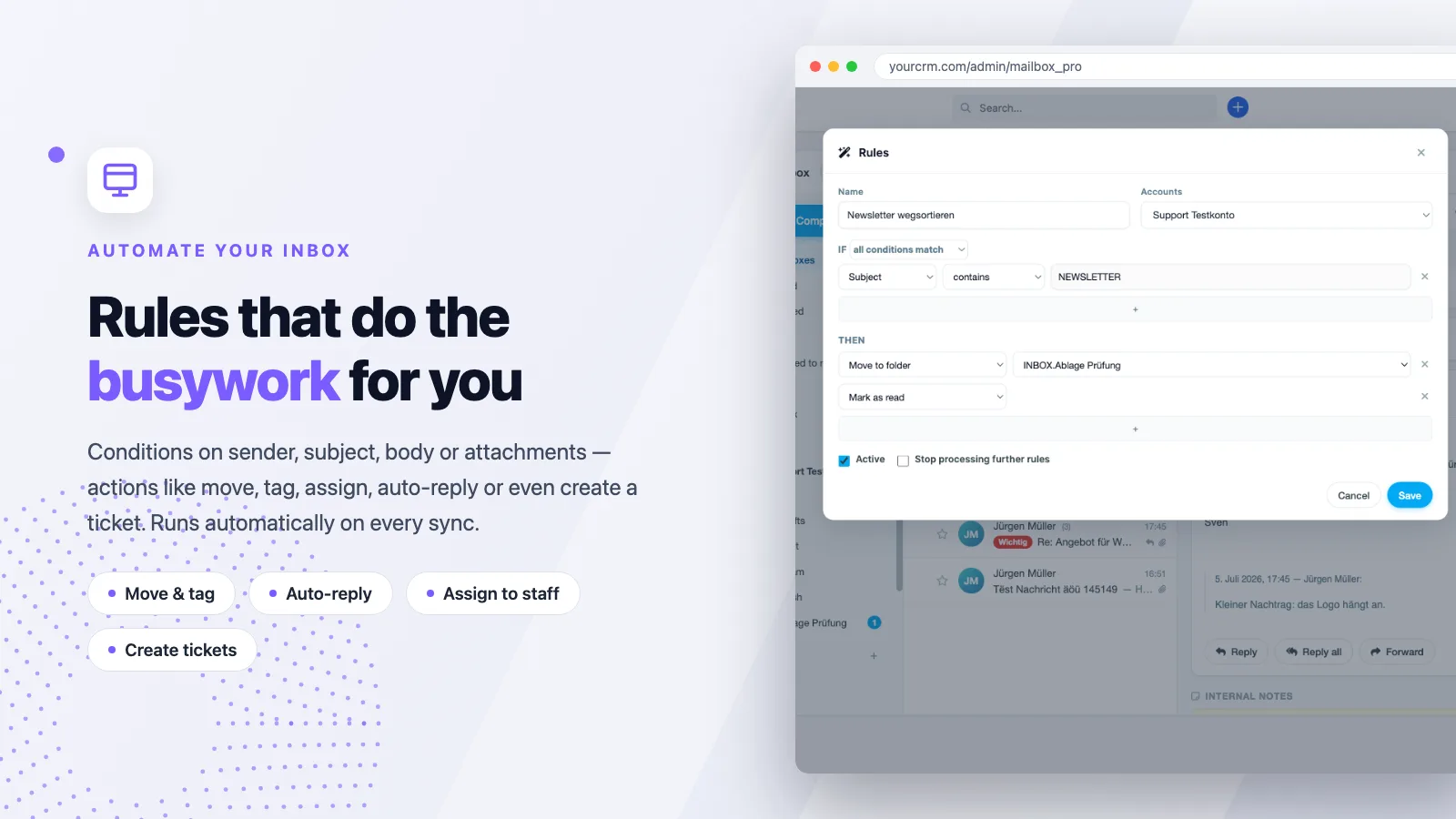
So your inbox is already sorted before you open it, there is a rules engine: conditions on sender, recipient, subject, body or attachments (contains, equals, regex, AND/OR) trigger actions — move, tag, mark read, assign, forward, auto-reply (with a rate limit) or convert straight to a ticket, task or lead. Rules run on every sync over new mail.
Perfex standard vs. Mailbox Pro
Perfex does send email, but it is not an inbox. The difference at a glance:
| Feature | Perfex standard | With Mailbox Pro |
|---|---|---|
| Receive & read email (IMAP) | — | Full inbox, threads, search |
| Multiple accounts per staff | — | Unlimited, plus unified inbox |
| Gmail / Microsoft 365 OAuth2 | — | Yes (XOAUTH2) |
| CRM context beside the mail | — | Customer, invoices, tickets, projects |
| Shared team inboxes | — | Assignment, status, internal notes |
| Undo send / send later | — | Yes, configurable window |
| Rules engine | — | Conditions → actions |
| Open / link tracking | — | Enable per message |
| php-imap extension required? | — | No — own PHP IMAP client |
Will it run on any host? Technical requirements
One deliberate design choice makes Mailbox Pro unusually portable: it ships its own pure-PHP IMAP client (over stream_socket_client) and therefore needs no enabled php-imap extension. MIME parsing (charsets, multipart, inline images, attachments) is handled by its own library. Sending goes through the PHPMailer bundled with Perfex.
The requirement is Perfex CRM version 3.0 or newer. Credentials and OAuth tokens are stored AES-256 encrypted. Fetching runs incrementally via cron or on demand; message bodies load only when needed and are then cached — easy on both server and mailbox.
What does Mailbox Pro cost and what do I get?
Mailbox Pro starts at €99 (Regular licence); the Extended licence is €299 and is meant for larger or multi-tenant setups. Every purchase includes a licence key with auto-update right inside Perfex, 12 months of updates and 6 months of support. Each module file passes a server-side malware scan before delivery, payment runs securely through Stripe, and you receive a proper invoice with VAT shown.
The fastest way to judge it is the live demo (it resets every 30 minutes). All details, screenshots and the purchase are on the Mailbox Pro product page.
Frequently asked questions
Do I need the php-imap extension on my server?
No. Mailbox Pro uses its own IMAP client written in pure PHP over sockets. It runs on virtually any hosting, even when php-imap is not enabled.
Does it work with Gmail and Microsoft 365?
Yes, via OAuth2 (XOAUTH2). You add your own Google or Microsoft app credentials once in the settings; accounts then connect securely without a password. Classic IMAP/SMTP mailboxes work just as well.
Can a whole team share one mailbox?
Yes. An account can be turned into a shared team inbox — with assignment to colleagues, an open/done status and internal notes per conversation. Perfect for support@ or info@ addresses.
Which Perfex version is required?
Perfex CRM 3.0 or newer. The supported version is listed on the product page; after installing, you activate the module with your licence key and receive updates automatically.
Are my credentials stored securely?
Yes. Passwords and OAuth tokens are stored AES-256 encrypted and authenticated. The key is derived from your own Perfex installation.
Does Mailbox Pro replace the older CodeCanyon “Mailbox” module?
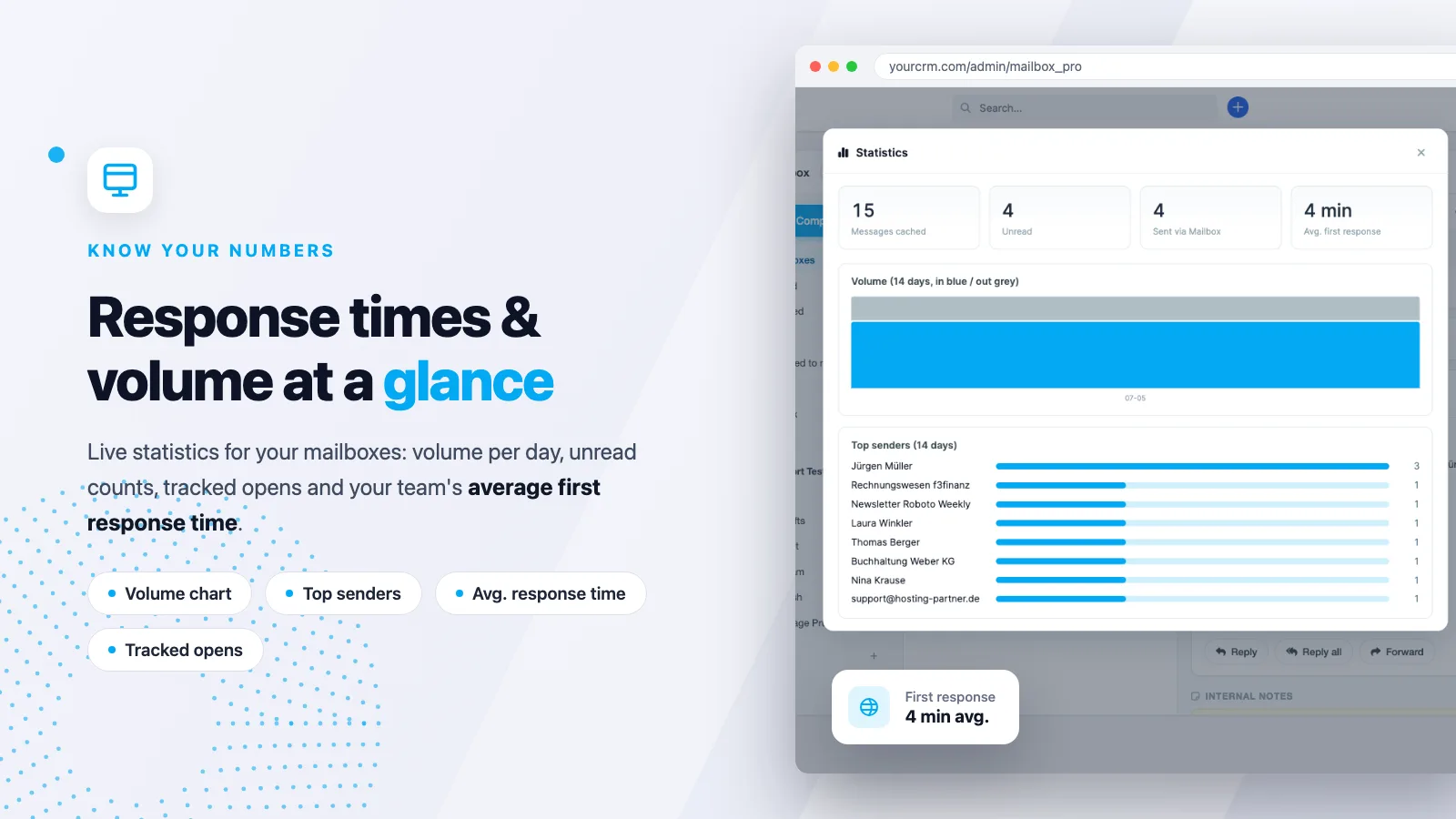
It fully covers that module’s scope and adds a unified inbox, CRM context sidebar, shared inboxes, a rules engine, tracking, undo/send later and a statistics dashboard.
Try it now
If you want to bring your email and your CRM together, Mailbox Pro is the most direct route there. Test the features with no strings attached in the live demo, browse the module catalogue, and if you have installation questions, reach the support in the help centre. Ready? All details and the purchase are on the Mailbox Pro product page.