Landing Page Builder
Elementor-class landing page builder – fully inside Perfex, with leads, tickets & appointment booking.
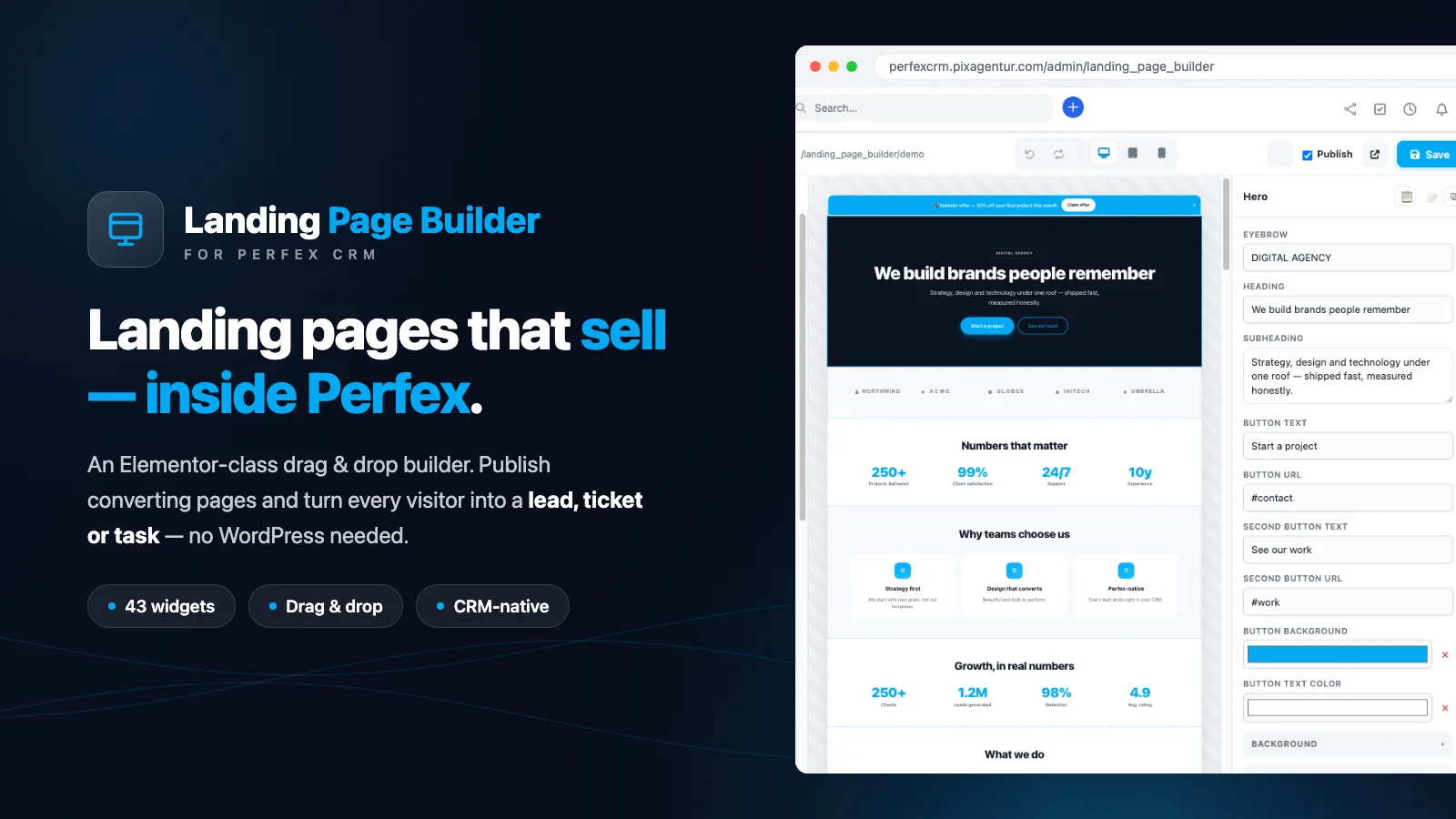
Elementor-class landing pages – right inside Perfex CRM
The Landing Page Builder brings a visual, Elementor-class drag-&-drop page builder straight into Perfex CRM – build and publish landing pages and capture leads, with no WordPress and no external tools.
The editor
True drag & drop from the widget palette, undo/redo (60 steps), inline editing via double-click right in the live preview, device-accurate preview (desktop/tablet/mobile) with responsive per-device overrides, template gallery incl. save-page-as-template, JSON export/import, copy & paste style, widget search and autosave.
43 widgets
Hero, features, pricing tables (with monthly/yearly toggle), comparison table, timeline, testimonials, team, counters, logo wall, before/after slider, gallery, slider, FAQ/accordion/tabs, countdown, newsletter, CTA, forms, cookie consent, sticky bar, popup (timed/exit intent), GA4 & Meta Pixel tracking and much more.
Every widget comes with a universal style system: spacing, background images with overlay, gradients, borders/radius/shadows, typography, opacity, per-device visibility, scroll animations.
Perfex-native – no external builder can do this
Forms create leads, support tickets or tasks (incl. appointment booking with date and slot picker), a knowledge-base live search queries your Perfex KB in real time, and the services catalog shows your Perfex items with prices. Spam protection via honeypot + optional reCAPTCHA v3.
Ready to go instantly
On activation, a complete English demo page with 32 sections is created automatically – as a live example and as a starter template in the gallery. Fully bilingual (German + English).
License
Regular = 1 domain, Extended = 5 domains. You can release and re-activate domains yourself at any time under /account – a server move never locks you out.
Frequently asked questions
Is the module compatible with my Perfex version?
Yes. It works from Perfex 3.0.* onwards. You'll find the exact requirement in the specs above.
How do I install the module?
After purchase you download the ZIP from your account and install it in Perfex under “Setup → Modules”. A step-by-step guide is in the help center.
Do I get updates?
Yes. Your purchase includes 12 months of update access. New versions appear automatically inside Perfex – validated via your license key.
How does the license work?
Every purchase includes a license key. The regular license covers 1 domain, the extended license up to 5 domains.
Is there support?
Yes. From purchase you get 6 months of support directly from the developer by email.
Can I get a refund?
If there are technical problems we can't resolve, we refund your purchase within 14 days.
Related modules
 ★ Featured
Perfex 3.0.*
★ Featured
Perfex 3.0.*
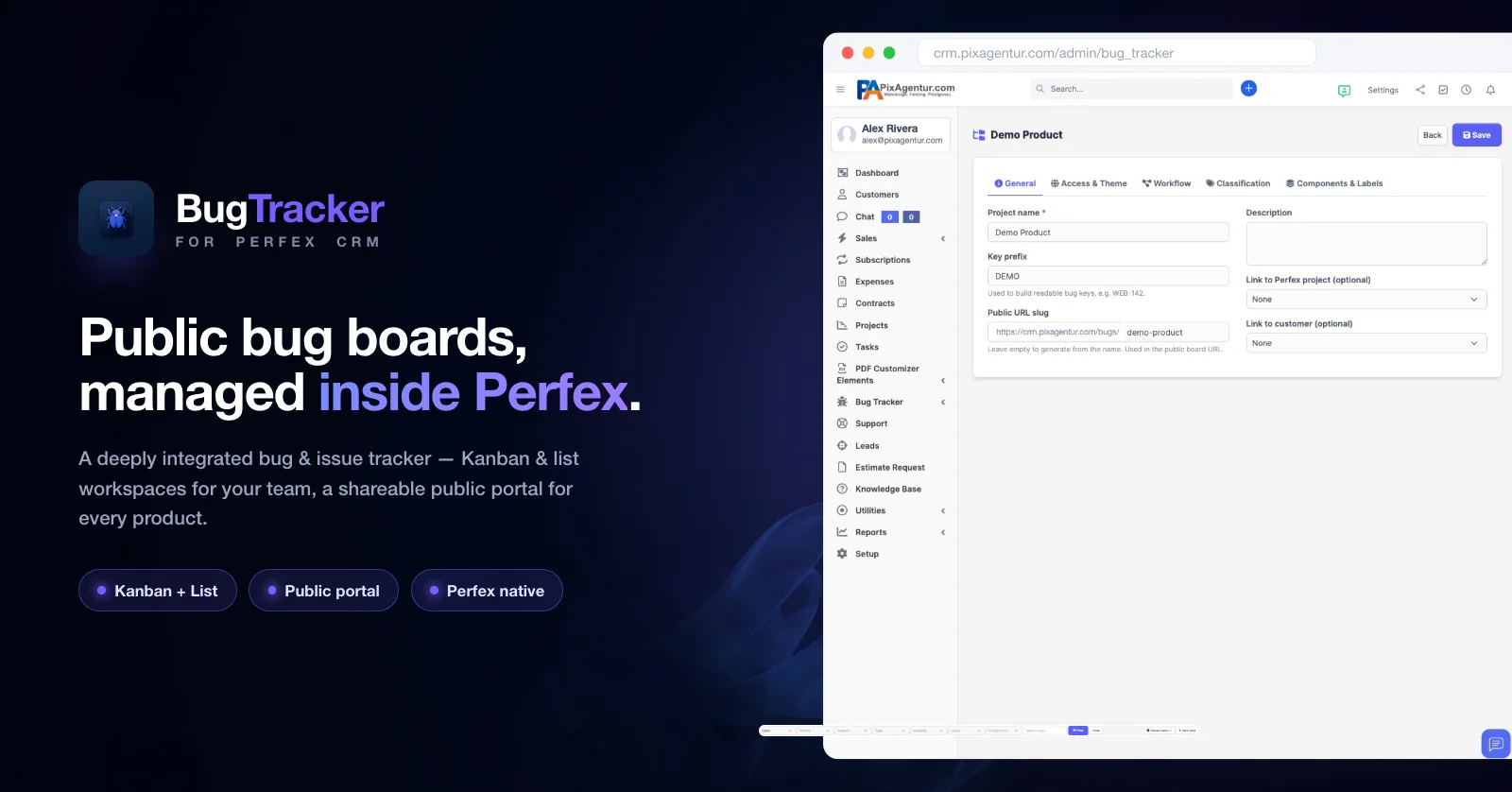
Bug Tracker
Öffentliche Bug-Boards, komplett in Perfex verwaltet.
 Perfex 3.0.*
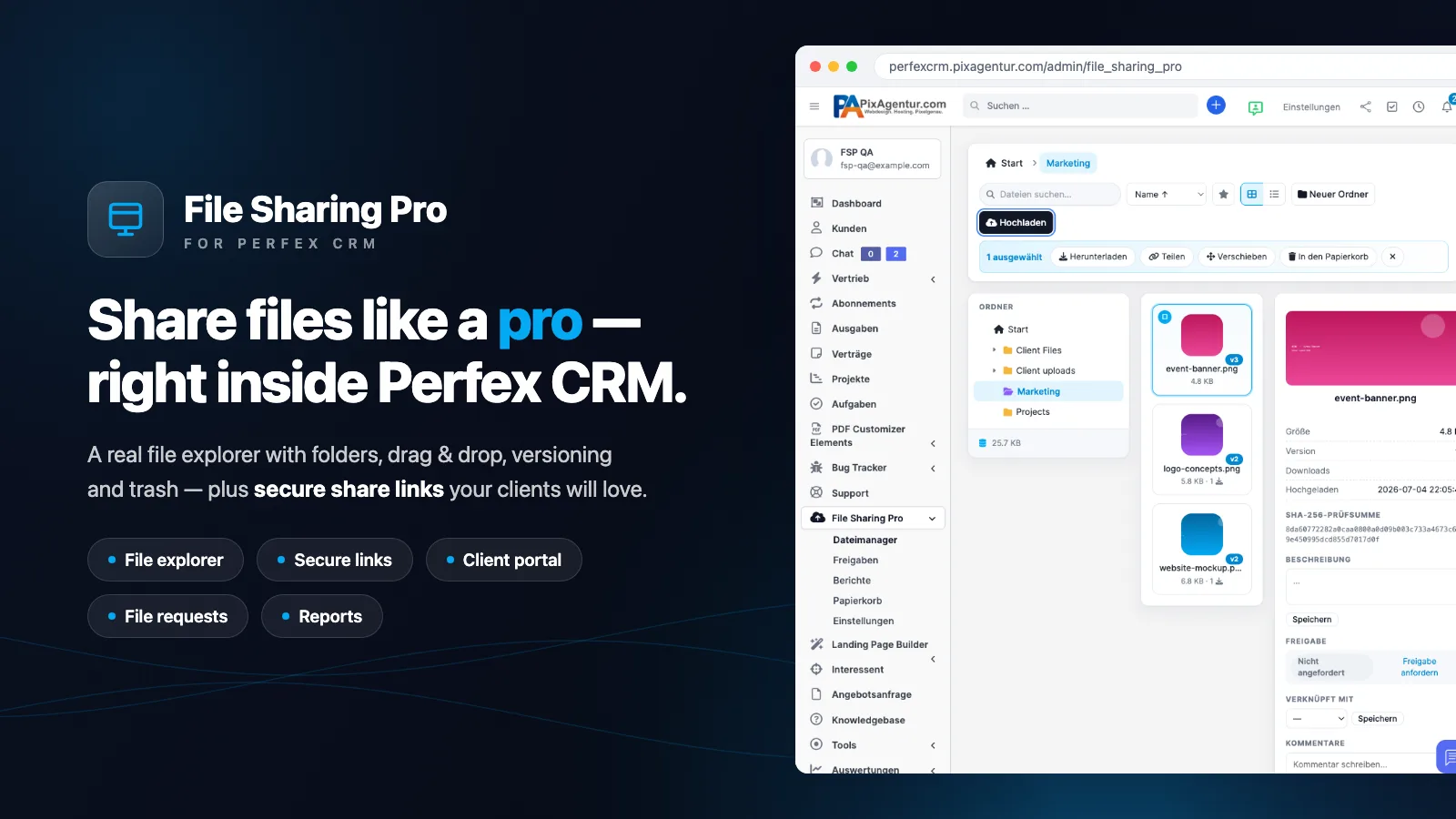
File Sharing Pro
Dropbox-class file sharing: file explorer, secure links, client portal, approvals, encryption & REST API
 Perfex 3.0.*
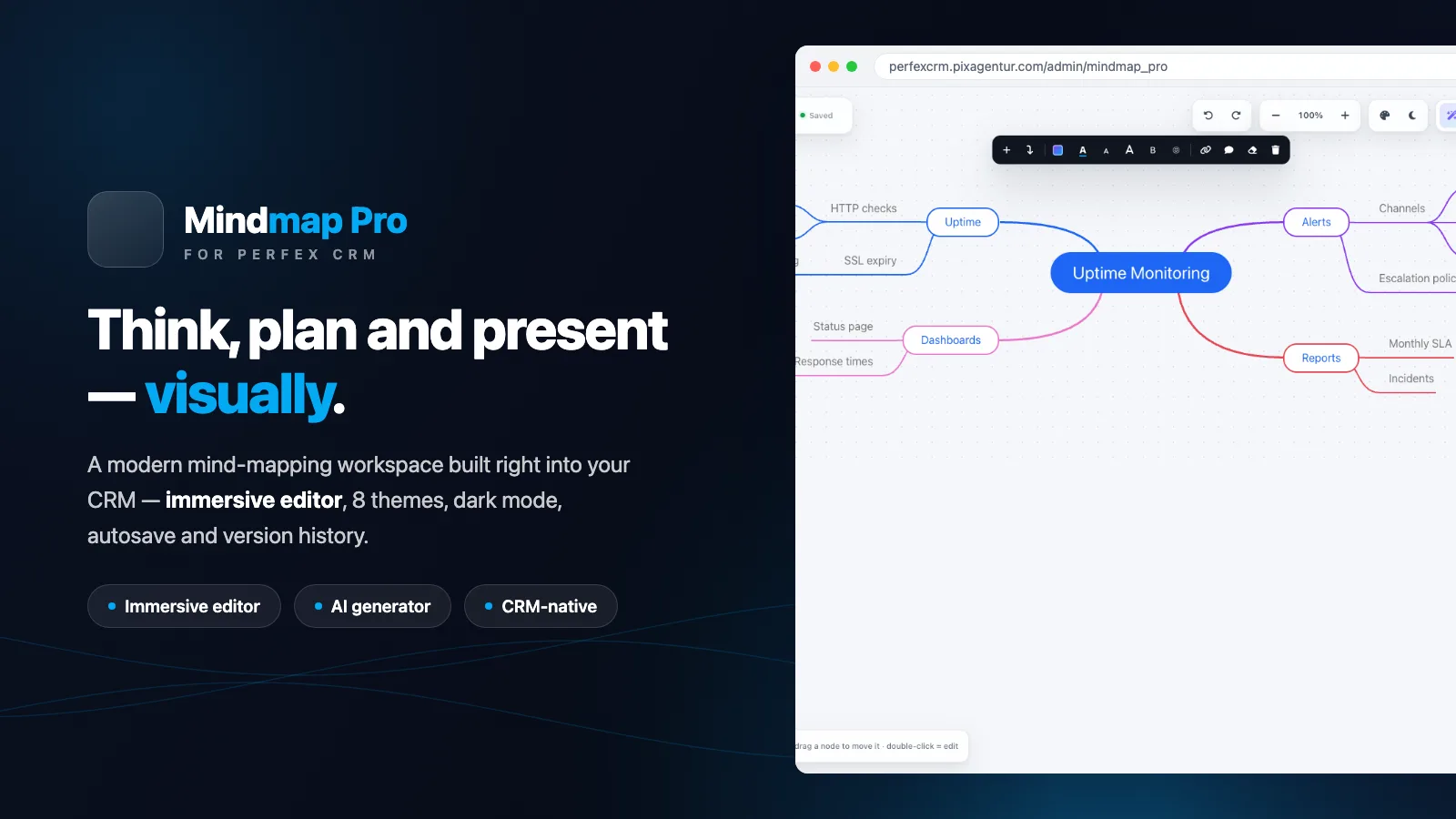
Mindmap Pro
Beautiful, AI-powered mind maps — built right into Perfex CRM. Plan, brainstorm and present, visually.